Get the right app.
For example Car Scanner ELM OBD2 – free to get started. Check the exact name: many copycats ask for a subscription.
OBDepotshop Help Center
Everything you need for your Veepeak OBDCheck BLE or BLE+ – explained simply, step by step.

On an iPhone, do not tap the adapter in the Bluetooth settings. The connection is made exclusively inside the app. The message “not supported” does not mean the adapter is faulty.
This is how easy it is
For example Car Scanner ELM OBD2 – free to get started. Check the exact name: many copycats ask for a subscription.
Setup
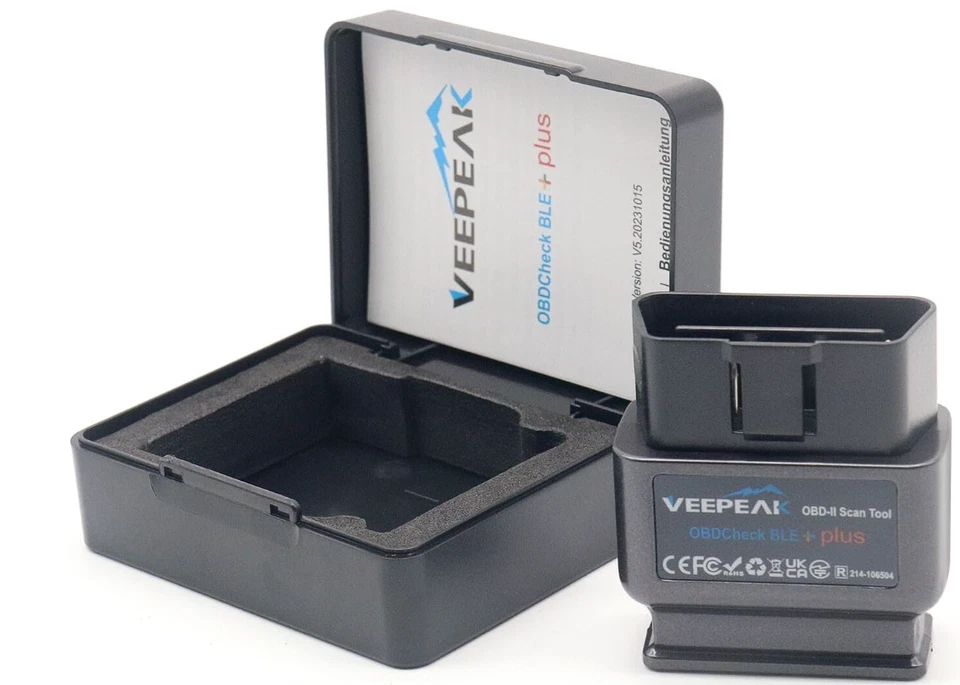
The check takes ten seconds.
Check nowSolutions for the most common problems.
TroubleshootingRecommendations, an app finder by car brand and copycats you should avoid.
See the appsDifferences, specifications and direct links to our listings.
Compare products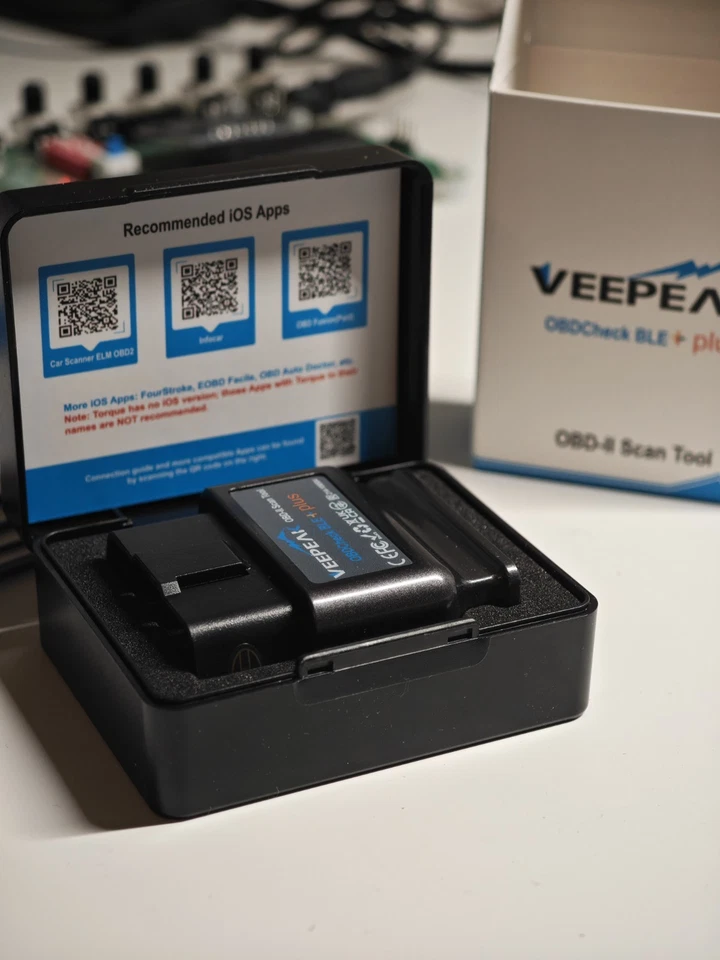
I personally run OBDepotshop, from Hürth near Cologne, Germany. Refurbished devices are tested and checked before shipping. I have collected the questions my customers ask most often on this site.
And if something still doesn’t work: just write to me. We almost always find a solution within a few minutes.
Order directly on eBay – new or refurbished.
Personal support
Before you send anything back: we can solve most problems together in a few minutes. Just tell us your vehicle, model year, phone and app – a screenshot of the error message helps a lot.
Manufacturer support (English): veepeak.com/support